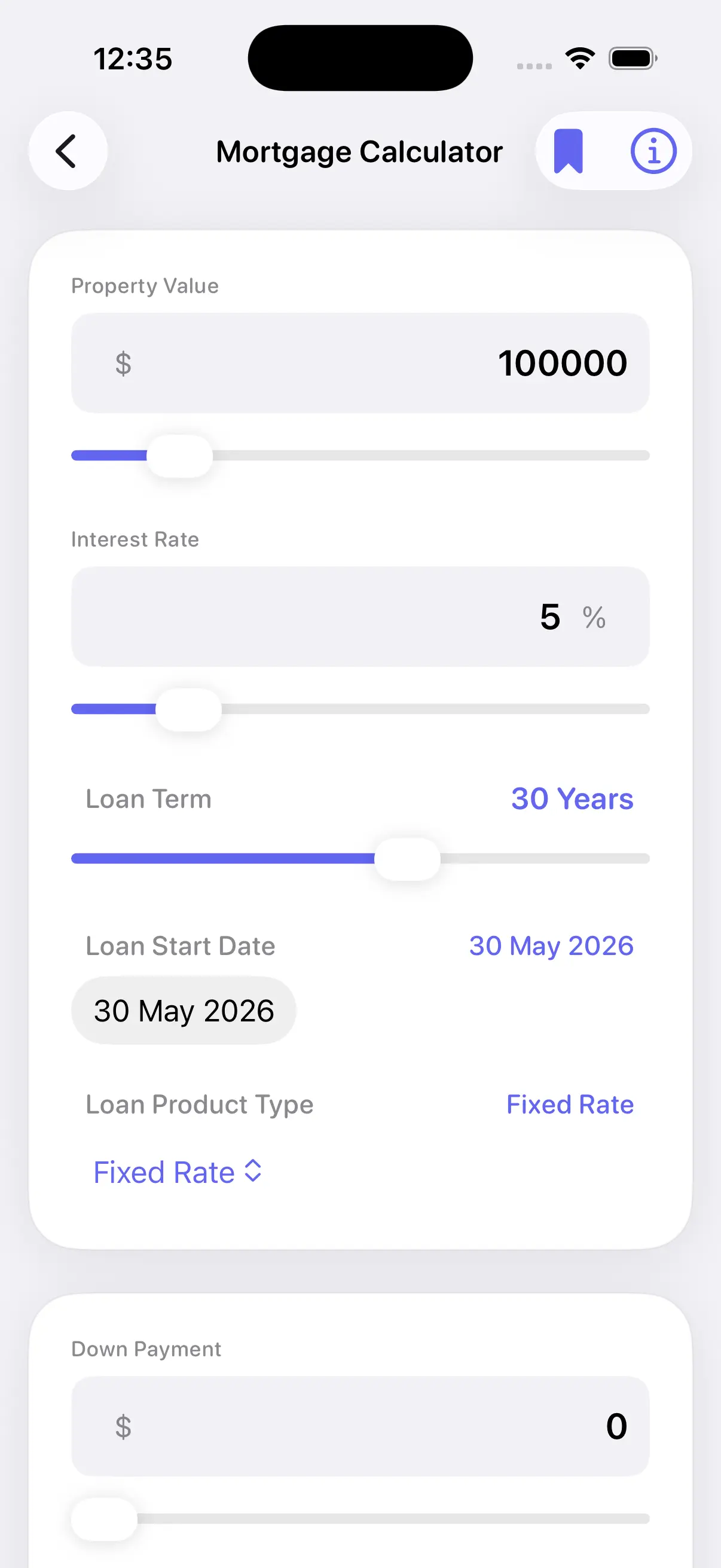
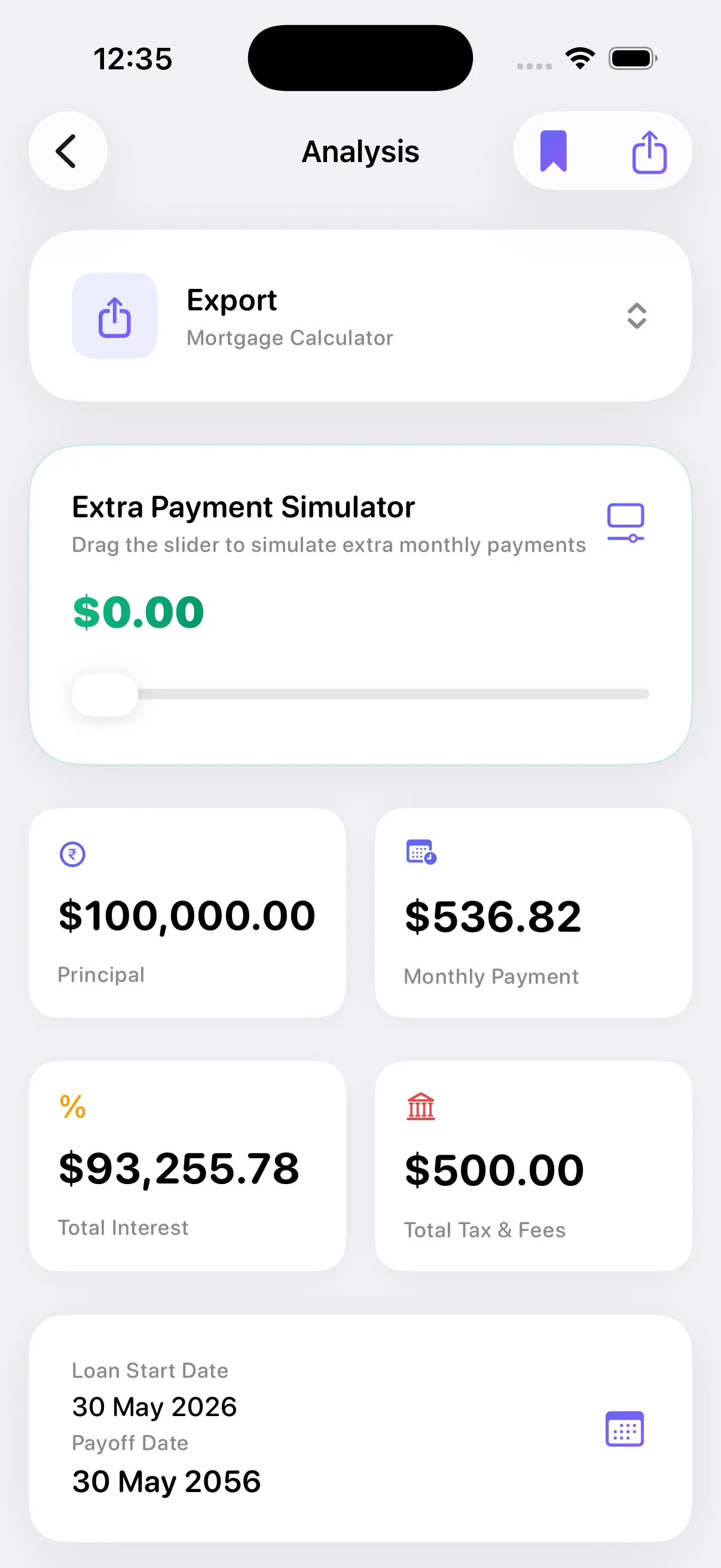
从金额、利率和期限计算月供
中国房贷规划
房贷计算器 - 中国
计算每月月供、总利息、还款计划以及最常用的贷款场景。
Quick answer: A 房贷计算器 estimates your monthly payment, total interest, and payoff timeline using the standard amortization formula lenders use. Enter the loan amount, APR, and term in the calculator below to see instant estimates in your browser — no sign-up required. Results are educational estimates only, not lender quotes or financial advice.
Free web tool
Calculate your loan payment right now
Accurate amortization, extra payments impact, and side-by-side comparisons. This is the same math trusted by the app's users.
What the web can't do
Why serious borrowers download the app
The web calculator is great for quick estimates. The app is the complete professional toolkit.
40+ countries with accurate local rules (CMHC, stamp duty, LTI limits, etc.)
Debt Payoff Planner & Credit Card Payoff tools
Save & compare multiple scenarios with full history
Professional PDF export of complete reports
Home screen widgets + Siri Shortcuts
Advanced charts and deep what-if analysis
Ad-free experience (Pro)
You're missing powerful country-specific tools, saving, comparisons, widgets, PDF reports, and full privacy-focused advanced planning.
Get the full app主要搜索
房贷计算器
Loan Calculator Pro帮助借款人估算月供、利息、还款计划,并在比较银行报价之前了解总成本。
计算器功能
围绕中国最高搜索量的贷款词条构建
总利息和总还款额
提前还贷方案
保存贷款比较

常见用途
借款前做好规划
- 商业贷款
- 公积金贷款
- 组合贷款
- 提前还贷
Insights from real users
What hundreds of thousands of calculations reveal
of car loan scenarios modeled in the app use terms between 60–72 months. Shorter terms almost always save over $2,000 in interest.
Most common APR range people explore for new auto loans. Adding just $75/mo in extra payments cuts the average loan by 9 months.
Average time to break-even on refinance calculations when rates drop 0.75% or more (after typical closing costs).
More total interest saved when users run extra-payment scenarios early (within first 18 months) vs waiting until year 5.
Aggregated and anonymized from app usage. Not financial advice. See our methodology.
App Store feedback themes
What users commonly mention in reviews
These are recurring themes paraphrased from public App Store reviews — not individual quotes. Read verified reviews directly on the App Store.
Detailed amortization schedules
Reviewers often mention that full month-by-month breakdowns help them understand principal vs. interest before talking to a lender.
Accurate payment estimates
A common theme is that results align closely with lender quotes when the same loan amount, APR, and term are entered.
Privacy and on-device calculations
Many reviewers value that core calculations stay on the device without requiring an account for basic use.
Side-by-side loan comparisons
Users frequently highlight comparing two loan scenarios to see which offer has the lower true cost over time.
Extra payment modeling
Reviewers often note that modeling extra payments early shows meaningful interest savings and shorter payoff timelines.
Simple, fast interface
A recurring comment is that the app is straightforward to use without unnecessary steps or clutter.
中国房贷计算器页面
根据搜索意图选择合适的页面
常见问题
房贷计算器 个问题
什么是房贷计算器?
它根据贷款金额、利率和期限估算等额月供。
这是贷款批准工具吗?
不是。这只是一个规划计算器,不批准也不提供贷款。
我可以比较银行报价吗?
可以。输入每个报价的金额、利率和期限来比较月供和利息。
理解您的房贷计算器
使用专门的房贷计算器 - 贷款计算器 中国是迈向财务清晰的第一步。在您申请贷款或承诺新的利率之前,准确了解您每月需要支付多少以及随时间累积多少利息至关重要。
我们的计算如何运作
我们的应用程序处理您的贷款金额、利率(年化)和贷款期限,生成精确的还款计划。以下是关键因素:
- 贷款金额: 您的贷款初始余额。
- 利率: 较低的利率可以大幅减少您的总还款额。
- 贷款期限: 较长的期限意味着较低的月供,但总利息支出更多。
通过模拟不同的情景——如更大的首付或提前还款——您可以找到最快摆脱债务的途径。
Written and reviewed by Chronos Labs · Editorial Team ·
Grounded in real usage. The scenarios and examples shown here reflect patterns observed across many hundreds of thousands of on-device calculations performed by users of the companion iPhone app. This helps surface practical insights beyond textbook formulas.
How to Calculate Your Monthly Loan Payment
Every payment splits between principal (what you actually borrowed) and interest (what the lender charges). We use the industry-standard amortization formula that every major U.S. lender applies. The widget above runs the exact same math live.
Example: A $30,000 car loan at 7.2% APR for 60 months produces a monthly payment of ~$597. Total interest paid: roughly $5,820. Extend to 72 months and the payment drops to ~$514 but total interest climbs above $7,000. The interactive calculator above shows these trade-offs instantly.
What Is an Amortization Schedule?
It is the month-by-month breakdown of every payment. Early on, you pay mostly interest. Later, the majority goes to principal. Seeing this schedule helps you understand why making extra payments early has an outsized effect.
Our live tool and the app both generate full schedules so you can pick any month and see the exact remaining balance.
How Extra Payments Cut Interest
Even modest extra payments applied consistently attack the principal faster. The live calculator above shows the precise months saved and interest avoided. From user data, most people who add even $50–$100 extra per month on auto loans finish 8–14 months earlier.
Comparing Two Loan Offers Side by Side
One of the most powerful features is the Loan Comparison tool. Enter two different sets of loan terms — Loan A and Loan B — and the calculator displays the monthly payment, total interest, and total repayment for each. This is useful when you have quotes from two lenders, or when you are deciding between a shorter and a longer loan term. The lower payment is not always the better deal; the comparison shows you the real cost of each option over time.
Refinance Break-Even: Is It Worth It?
Refinancing can lower your monthly payment or save interest — but it comes with closing costs. The Refinance Break-Even calculator figures out how many months it takes for your monthly savings to offset those upfront costs. If your break-even point is 18 months and you plan to stay in the home for 5 years, refinancing likely makes sense. If you plan to sell in a year, the math may not work in your favor.
Loan Calculator Pro